Search and filter
9. Search and filter
agilemarkdown offers three ways to narrow the view: free-text search, structured filters (owner, tag, epic, status), and double-click pivots that open a column scoped to one tag or one epic. All three operate on the same data and differ only in how you express the query.
9.1 Text search
The Search column has a text input. It matches your query as a substring across title and path, lower-cased and trimmed.
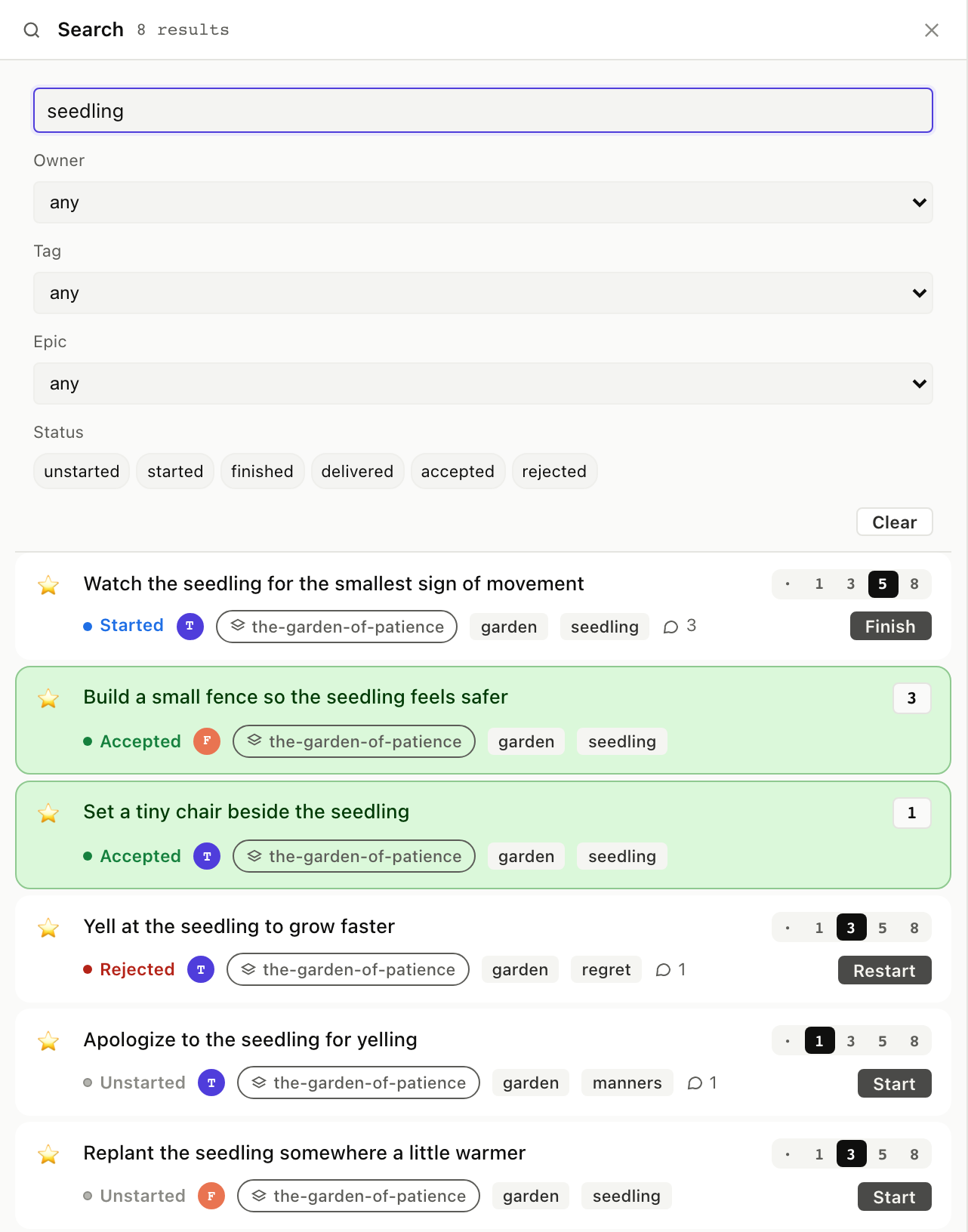
$ am search "seedling"
... matching stories with titles or bodies containing "seedling"
The search tool takes a query and optional limit. Returns ranked
matches with snippets.
Full envelope
{
  "jsonrpc": "2.0",
  "method": "tools/call",
  "params": {
    "name": "search",
    "arguments": { "query": "seedling", "limit": 5 }
  }
}
9.2 Filter by owner / tag / epic / status
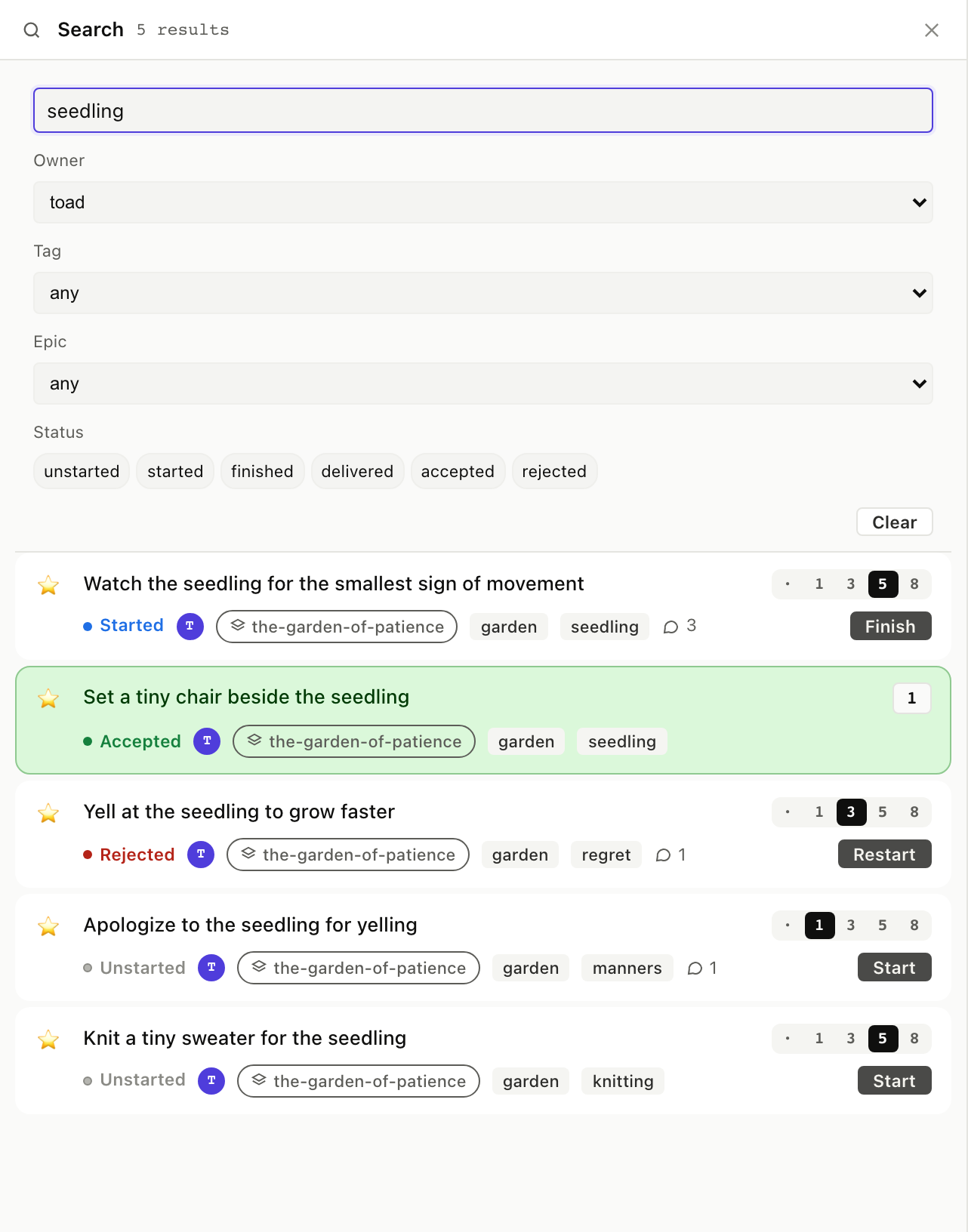
The Search column's form has four dropdowns and a status row. Combine them: text "seedling" + owner "toad" returns only Toad's seedling stories. Empty fields are wildcards.
$ am list-items stories --tag garden
... 13 stories tagged garden, one per line with status + estimate

$ am list-items stories --status accepted
... all currently-accepted stories
list_items is the structured search. Args: backlog, status,
tag, assignee, epic. Returns the OrderRow shape so a client
can render search results identically to a priority list.
Full envelope
{
  "jsonrpc": "2.0",
  "method": "tools/call",
  "params": {
    "name": "list_items",
    "arguments": { "backlog": "stories", "tag": "garden" }
  }
}
9.3 Pivots: double-click a tag or epic
Any tag chip on a story card double-clicks open to a Tag filter column, and any epic chip (or any Epics column card) opens an Epic filter column with the EpicCard rendered as the header.
There's no dedicated CLI verb for "open a filter column", the CLI
expresses the same idea with am list-items --tag <slug> or
am show epic <slug>. The board's pivot is a UI affordance over
those queries.
Same. The double-click is sugar over list_items.
Results render with full StoryCard behavior: click a result card to open the detail panel, click its action button to flip status without leaving the search.